
Recruitment Software for Small Business: The Complete Guide
Recruitment Software for Small Business: The Complete Guide. The rest of this page is that guide, written for a small team.
Qonir Team · 12 min read
Three roles open at once, CVs arriving by email, through LinkedIn and from a job board, and a manager asking what happened to "Tuesday's candidate": in a small business, hiring quickly turns into a matter of memory and goodwill. Recruitment software exists to get you out of that improvised mode. This guide is for owners and HR managers of small businesses with 5 to 50 employees who are comparing tools before they buy: the features that matter, GDPR, pricing and a checklist for choosing.
Full disclosure: we make Qonir, an ATS built for small teams. We mention it where it helps, but the method in this guide works for any tool on the market.
What is recruitment software?
Recruitment software is an online tool that brings every step of a hire, from publishing the job ad to the final decision, into one workspace the whole team shares. It replaces spreadsheets, inboxes and scattered folders with a single, traceable applicant tracking process that respects data protection rules.
At the heart of almost every recruitment software product sits an ATS (applicant tracking system). The ATS receives applications, attaches them to the right job, moves them from stage to stage and keeps a history of every exchange. Around that core, vendors add modules: multiposting of job ads, a careers page, interview scheduling, a talent pool, AI matching and hiring reports.
Some HR recruitment software goes further and spills into full HR suites: onboarding, admin, annual reviews. That is useful for a large group, but often unnecessary for a 20-person company. In practice, when a small business searches for "recruitment software" or "ATS software", it is looking for the same kind of product: a tool that organises applications without turning into an IT project.
Why a small business needs recruitment software
A small business needs recruitment software as soon as it hires several times a year or more than one person takes part in hiring decisions. That is the point where applications get lost, hiring slows down and the candidate experience suffers, often without anyone noticing.
In a small company, hiring is done by the owner, an HR manager who also handles payroll, or a team lead recruiting between two urgent jobs. And every hire carries weight: in a team of fifteen, one wrong hire is felt by everyone.
Without a tool, the same problems keep coming back:
Applications scattered across several inboxes, LinkedIn, job boards and colleague referrals, with no overview.
Candidates who never hear back, which damages your employer brand, especially in a local job market where word travels.
A time-to-hire that keeps growing: while a CV waits in someone's inbox, the best people accept another offer.
Decisions made on gut feeling, because interview feedback is given verbally and never written down.
CVs kept indefinitely in personal mailboxes, which is a real problem under the GDPR.
Take an illustrative example. A 25-person company is hiring a salesperson and a maintenance technician. Without a tool, the HR manager receives applications in the shared inbox, forwards them to the two managers, chases each of them for an opinion and updates a spreadsheet in the evening. With recruitment software, each application lands directly in the right job's pipeline, managers leave their feedback on the candidate's profile, rejection emails go out from a template, and everyone can see at a glance where each candidate stands. The gain comes from removing dozens of small frictions.
To be fair: if you hire one person every two years and decide alone, a well-kept spreadsheet can be enough. Software pays off when volume grows, when several people give their opinion, or when you want to build a talent pool you can come back to.
The essential features
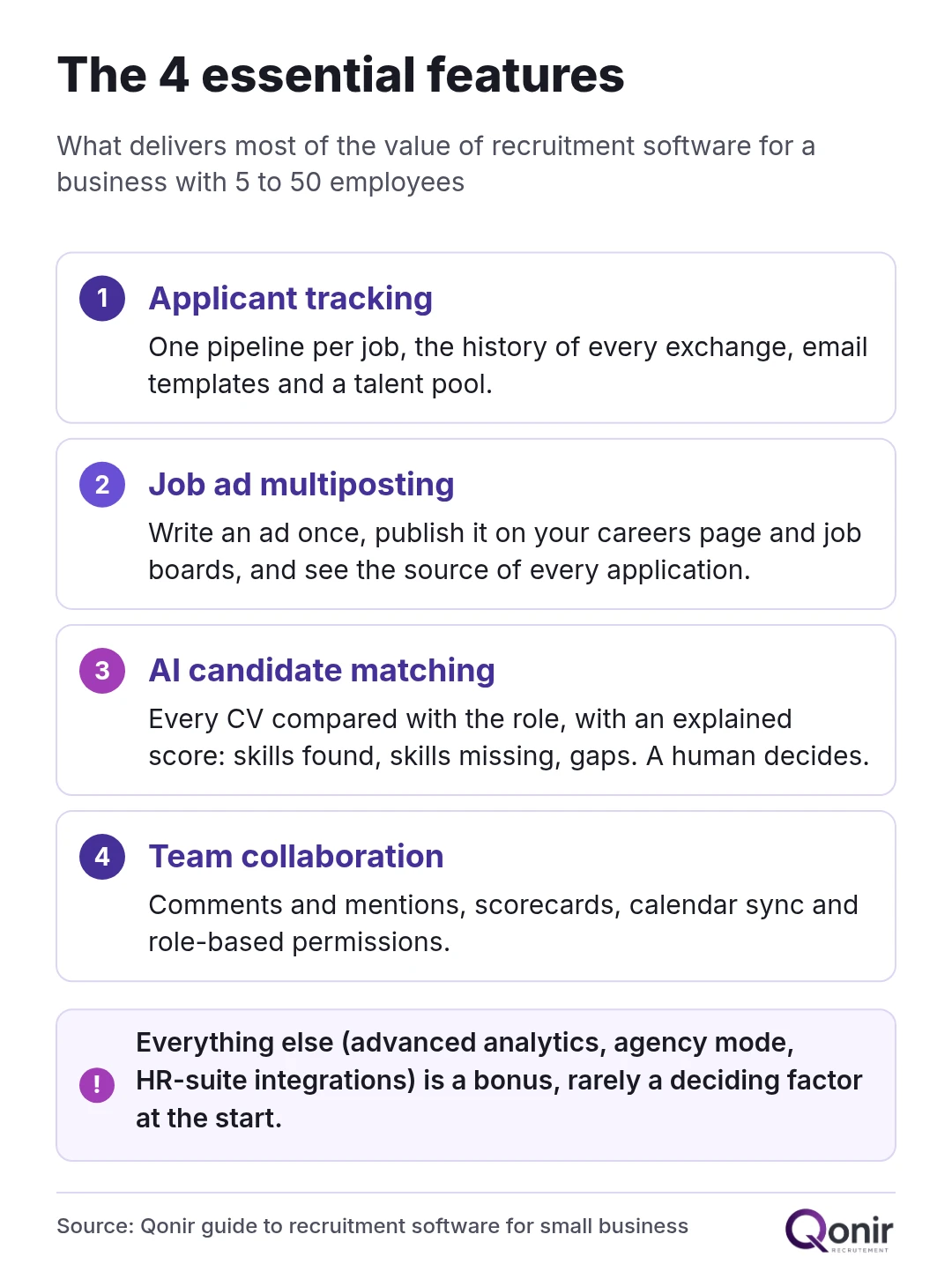
For a small business, four features deliver most of the value of recruitment software: applicant tracking, job ad multiposting, AI candidate matching and team collaboration. Everything else, such as advanced analytics, agency mode or HR-suite integrations, is a welcome extra but rarely a deciding factor at the start.
Applicant tracking
Applicant tracking is the core feature, the one you will use every day. Each job has its own pipeline, usually shown as a Kanban board: new applications, screening, interview, test, offer, hired. The tool keeps the history: who saw the profile, which messages went out, what feedback was given.
Two things make the difference for a small team. First, email templates: acknowledgement, interview invitation, polite rejection. Replying to everyone becomes a matter of a few clicks. Second, the talent pool: strong candidates you did not hire for one role stay searchable, with their skills and your notes, for the next opening. Our page on ATS software for small businesses explains how an applicant tracking system works in more detail.
Job ad multiposting
Multiposting means writing a job ad once and publishing it on several channels at the same time: your careers page, job boards and aggregators such as Indeed or Google for Jobs. Applications all come back into the same pipeline with their source, so you can see which channels bring in good candidates.
Two caveats avoid unpleasant surprises. Multiposting does not make paid ads free: if a job board charges for a listing, you still pay. And every ad still needs to be well written, because software spreads a weak ad as fast as a good one; our guide to writing a job description shows how to structure one. At Qonir, every account gets a careers page, and automatic job board feeds (Indeed, Google Jobs) are part of the Business plan.
AI candidate matching
AI matching automatically compares each CV with the requirements of the role and gives a match score. It lets you spot the candidates who meet the essential criteria first, instead of reading CVs in the order they arrived.
The thing to check is explainability. A good tool tells you why a candidate got a given score: skills found, skills missing, gaps with the role. An opaque ranking is risky, because it can push a good candidate down without anyone knowing why. The EU Artificial Intelligence Act classifies AI systems used in recruitment as high-risk, so transparency and human oversight are not optional. The score should help you order your work, never decide for you. That is the principle behind Qonir's AI matching, which shows the skills found and missing for each candidate; our article on explainable candidate ranking explains the method.
Team collaboration
In a small business, hiring is a team effort: the owner, the HR manager and the future line manager all have a say. In practice, look for comments on candidate profiles with mentions of colleagues, easy sharing with managers, Google or Microsoft calendar sync for interview scheduling, and role-based permissions so everyone only sees what concerns them.
The most underrated feature is the scorecard. When every interviewer rates the same criteria after a structured interview, debriefs get shorter and decisions get fairer, because you compare facts rather than impressions. Our guide to the structured interview scorecard gives a ready-to-use template for small teams.
Recruitment software and the GDPR
Recruitment software can be fully GDPR-compliant, but compliance depends as much on how you use it as on the tool itself. Data hosting, retention periods, candidate information and data subject rights should be settled when you set the tool up, not after the first candidate request.
The first point is legal: as the employer, you are the data controller for candidate data, and the software vendor acts as your processor. It should therefore offer you a data processing agreement (the DPA required by Article 28 of the GDPR) that sets out what it does with the data, where it is stored and which subprocessors are involved.
The second point is hosting. Prefer hosting in the European Union and ask for the list of subprocessors, including the AI providers used to analyse CVs. Transferring data outside the EU is not forbidden, but it must be covered by safeguards such as the European Commission's standard contractual clauses.
Then come the rules of use, which are your responsibility:
Tell candidates how their data is used, for example with a notice on the application form and on your careers page.
Limit how long you keep data: the GDPR sets no fixed period, but regulators expect a short, defined one. France's CNIL, for example, recommends keeping unsuccessful candidates' files no longer than two years after the last contact, unless they agree otherwise.
Be able to handle requests for access, correction and deletion, ideally directly from the tool.
Keep a human in the loop: the GDPR restricts decisions based solely on automated processing, which ties in with the need for explainable AI matching.
At Qonir, data is hosted in the EU (Frankfurt) by default on all plans, each company is isolated in its own space, and GDPR data export is self-service. The list of subprocessors is in our privacy policy.
How much does recruitment software cost?
For a small business, recruitment software usually costs somewhere between a few dozen and a few hundred euros a month. The price mainly depends on the number of users, the volume of applications processed and the modules included. Free plans exist, but they are limited.
Here is an indicative breakdown by type of offer rather than by vendor, because prices change often:
Free or freemium plans: €0, with strict limits on active jobs, users or features.
Tools for small teams: from a few dozen to around a hundred euros a month, for a full pipeline and a handful of users.
Mid-range plans: from one hundred to a few hundred euros a month, with more seats, advanced reporting and integrations.
Enterprise solutions: quote-based, often with an annual commitment and setup fees.
Look at the pricing model too: per seat (per user), per active job, per volume of CVs analysed, or a flat fee. For a small business, a predictable model beats a low entry price that climbs with every new user. Add the hidden costs: paid job board ads, setup fees, training, data migration and the length of the commitment.
For a concrete reference point, here are Qonir's plans, priced in euros and billed monthly:
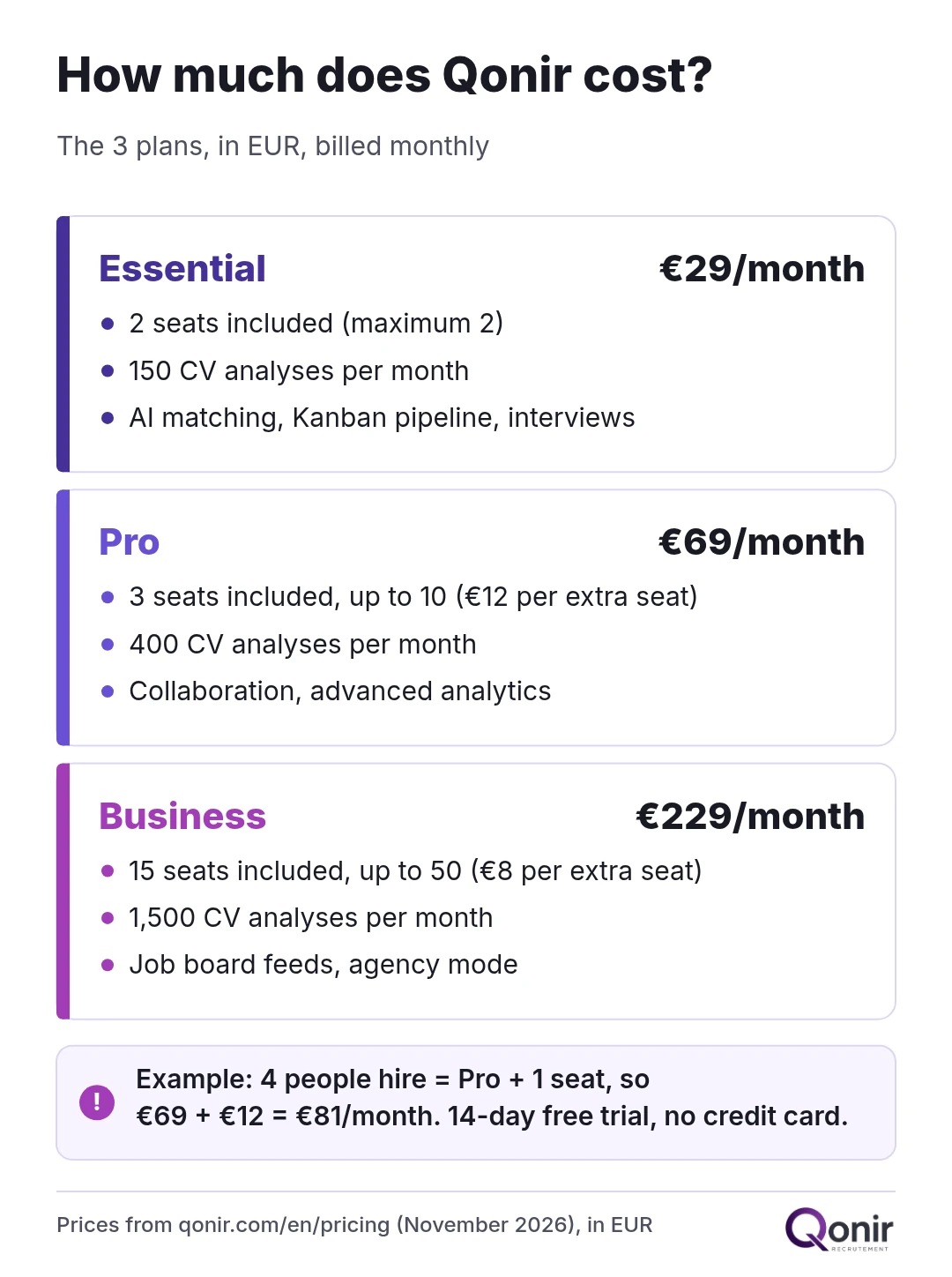
Essential at €29/month: 2 seats included, 150 CV analyses per month, AI matching, Kanban pipeline and interview scheduling.
Pro at €69/month: 3 seats included (up to 10, at €12 per extra seat), 400 CV analyses per month, collaboration with mentions and advanced analytics.
Business at €229/month: 15 seats included (up to 50, at €8 per extra seat), 1,500 CV analyses per month, job board feeds and agency mode.
Every plan starts with a 14-day free trial, no credit card required. Example: a company where the owner, the HR manager and two line managers take part in hiring needs four seats, so the Pro plan plus one extra seat, €69 + €12 = €81 a month. Full details are on our pricing page.
How to choose: a checklist for small businesses
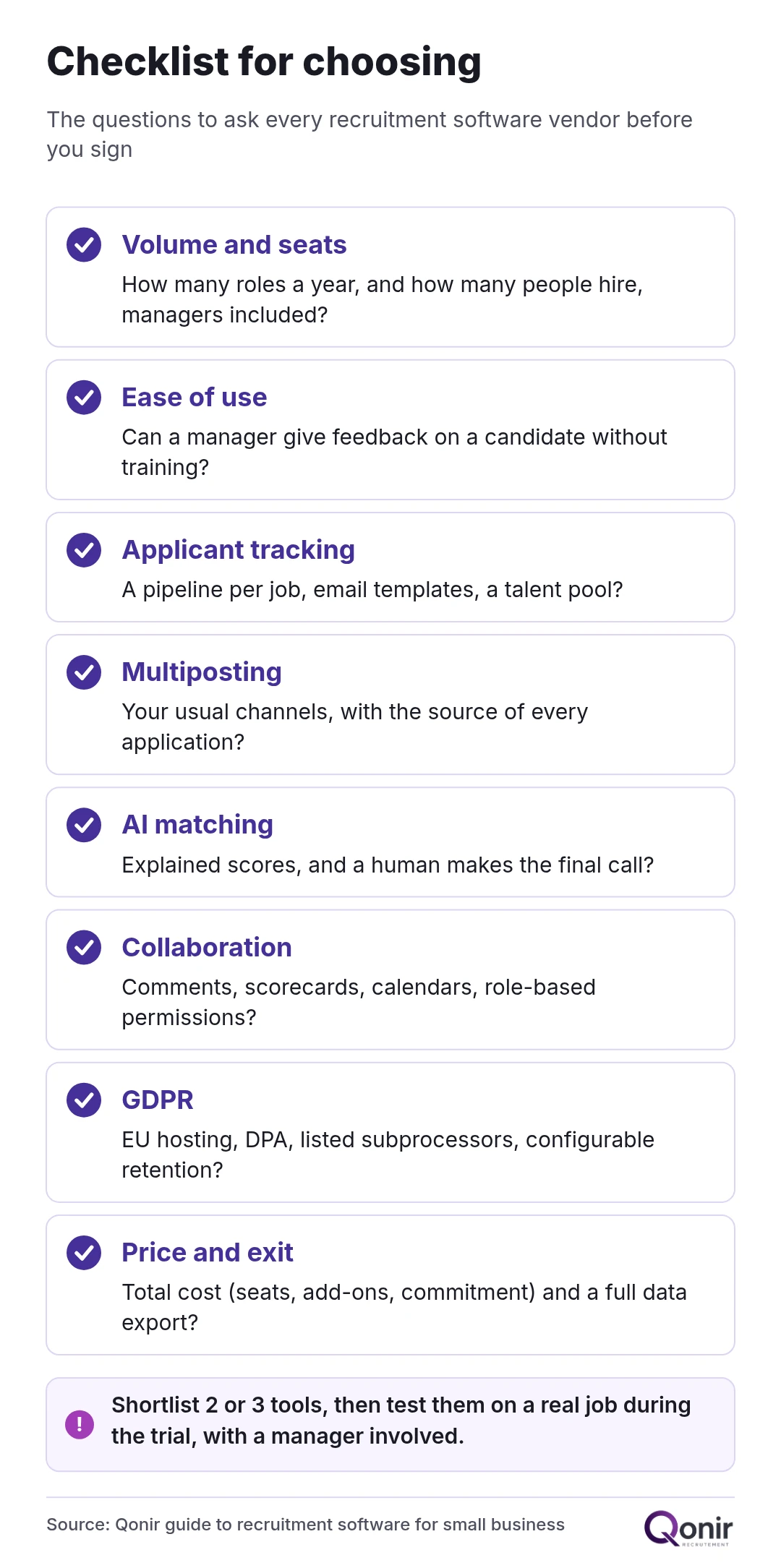
The best recruitment software for a small business is the one your team will actually use: easy to pick up, sized for your hiring volume, GDPR-compliant and clearly priced. Before you sign, run every tool through these questions.
Volume: how many roles do you open each year, and how many applications per role?
Users: who takes part in hiring, and how many seats does that mean, managers included?
Ease of use: can a manager give feedback on a candidate without training?
Applicant tracking: is the pipeline customisable per job, with email templates and a talent pool?
Multiposting: does the tool publish to the channels you already use, and show the source of each application?
AI matching: are scores explained, and do you always make the final call?
Collaboration: comments, scorecards, calendar sync, role-based permissions?
GDPR: EU hosting, DPA, list of subprocessors, configurable retention, data export?
Languages: do your teams or candidates work in languages other than English?
Total cost: extra seats, paid add-ons, commitment, exit costs?
Portability: can you export all your data if you switch tools?
Once the list is down to two or three tools, test them on a real job rather than a demo. In the first week, set up the pipeline and publish the ad. In the second, bring in a manager: they are often the one who reveals whether the tool is really simple. Then compare the time spent screening and how quickly candidates get a reply, and track your time-to-hire on the next few roles.
The best recruitment software is not the one with the longest feature list, but the one that fits the way you hire. If you want to try an approach built for small teams, with explainable AI matching, EU hosting and an interface in five languages, Qonir's 14-day free trial is a good place to start.
FAQ
What is the difference between an ATS and recruitment software?
An ATS (applicant tracking system) is the core of recruitment software: it receives applications and moves them through a pipeline. "Recruitment software" is a broader term that often includes multiposting, a careers page, AI matching and reporting. For a small business, both usually mean the same tool.
Is there free recruitment software?
Yes, some vendors offer a free or freemium plan, but it limits active jobs, users or features. To compare tools properly, a full free trial on a real job is often more useful. Qonir, for example, offers a 14-day trial with no credit card.
Is recruitment software GDPR-compliant?
It can be, provided the vendor signs a data processing agreement, states where data is hosted and lists its subprocessors. You remain responsible for informing candidates, setting retention periods and handling access or deletion requests.
How much does recruitment software cost for a small business?
Expect anywhere from a few dozen to a few hundred euros a month, depending on users and modules. Qonir's plans range from €29/month (Essential) to €69/month (Pro) and €229/month (Business), with a 14-day free trial.
Qonir Team
Editorial
Insights from the Qonir team on modern recruiting for SMBs.
Published · 12 min read
Related articles
Account Manager Job Description: Responsibilities, Skills and Salary
A practical account manager job description: ten core responsibilities, salary ranges from live postings, required and desired skills, career path and a template you can copy.
7 min
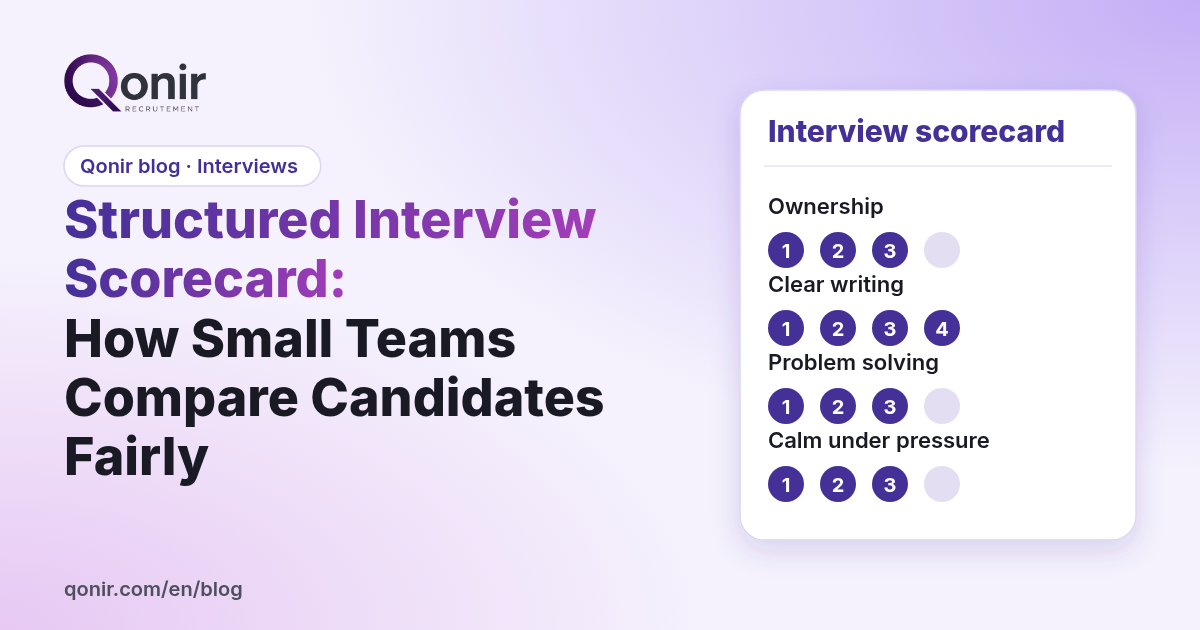
Structured Interview Scorecard: How Small Teams Compare Candidates Fairly
How to build a one-page structured interview scorecard with four competencies and a 1–4 scale, shown with three finalists for a customer support role.
8 min
Software Engineer Job Description: How to Write One That Attracts the Right Applicants
A plain-title, five-part software engineer job description with a short must-have list and 30, 60 and 90 day outcomes, shown on a backend engineer example.
8 min